


The Risk in Your Inbox: How Attackers Exploit Human Trust
- Firstpage
- Websecurity

The biggest threat to your company’s email security isn’t always malware. It can be misplaced trust.
Phishing and spoofing work because they look legitimate. Attackers exploit human instinct, not technical flaws. A familiar logo, a believable sender name, or a well-written message is often all it takes.
Human actions drive the majority of breaches
The human element is involved in around 60% of all breaches. While phishing is the initial entry point in 16% of cases, it often triggers other attack types, such as credential theft, making its real impact much broader (Verizon Data Breach Investigations Report, 2025).
This leads to compromised accounts, data leaks, and financial losses – all starting from a single click.
The blind spot in your inbox
Filters and employee training stop a lot of threats, but not all of them.
Even well-protected companies can miss what happens behind the scenes: who’s sending emails in their name, how messages are authenticated, or whether their domains are being impersonated elsewhere.
“Simulations and continuous training are just as critical as filters and firewalls. One without the other leaves gaps."
- Jesper Rosén, IT Engineer
Full protection covers it all: inbound, outbound, and human
True resilience means protecting what comes in and what goes out, and the people between.
- Inbound protection detects and stops phishing, malware, and social engineering before they reach the inbox.
- Outbound protection ensures that every email sent from your organisation is verified and trusted, preventing spoofing and brand impersonation.
- Human awareness turns your employees from potential targets into your first line of defence.
How to strengthen your email security
The human factor
Email safety isn’t just about what you click, it’s also about what you approve.
- Always check the sender: Does this person or company usually contact you? Does the request seem consistent with previous emails?
- Hover before you click: Check where a link leads before you open it. If it points to an unfamiliar or third-party site, it could be malicious.
- Always verify authentication requests: Approve only those you initiated.
Even the best filters can’t stop every email, and even the most aware employees need regular reminders. That’s where ongoing training makes the real difference.
The technical layer
Solutions like Harmony, with simulated phishing exercises, practical examples, and micro-learning sessions, can help employees spot and report suspicious messages before damage is done.
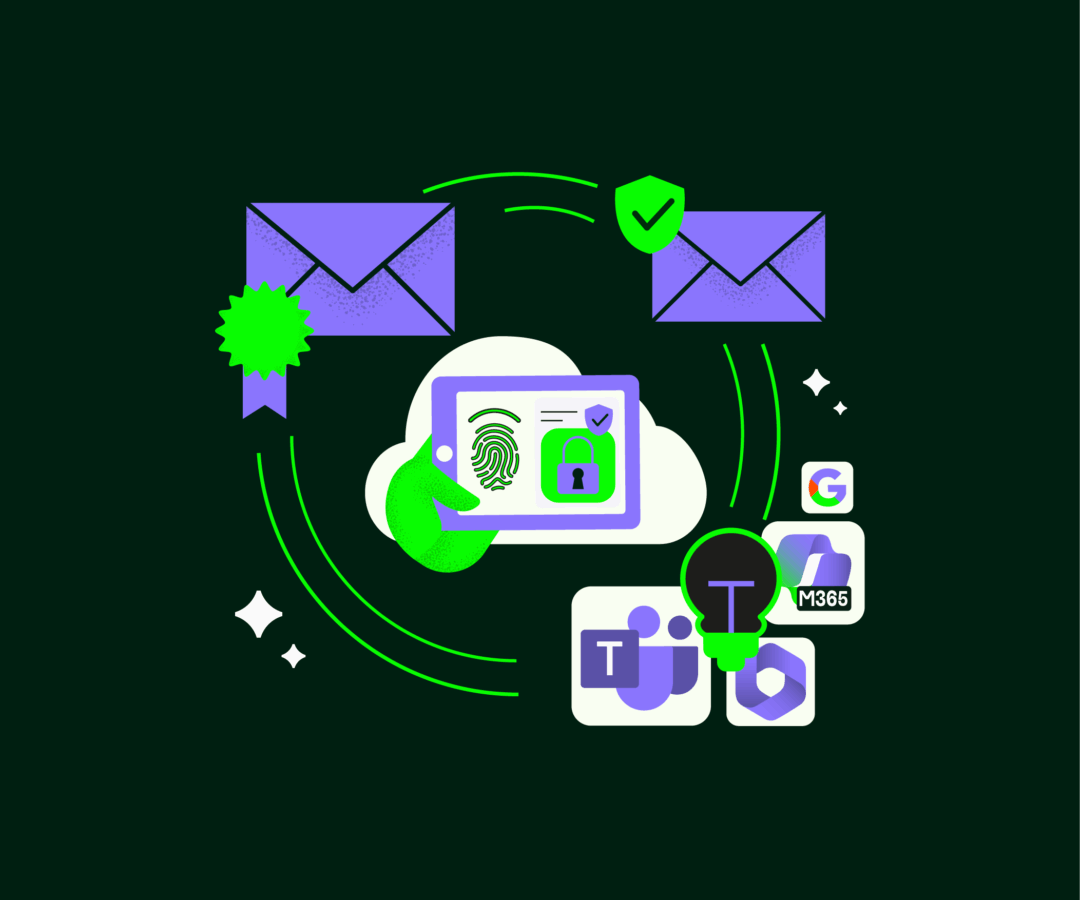
Human awareness helps, but technology makes it consistent. By combining authentication, filtering, and monitoring, you reduce the risks that people can’t always catch on their own.
Human awareness helps, but technology makes it consistent. By combining authentication, filtering, and monitoring, you reduce the risks that people can’t always catch on their own.
SERVICES
Explore Our Email Security Solutions
These components work together to provide robust protection for your organisation’s email infrastructure, ensuring secure and reliable communication. Here’s a quick look at our main solutions:
Email Compromise Protection (ECP)
Prevents unauthorised access and impersonation attacks, keeping your communication secure.
Verified Mark Certificate (VMC)
Enhances brand trust by displaying your logo in inboxes, while ensuring compliance with authentication standards.
A cloud-based solution that safeguards against phishing, ransomware, and other advanced threats with cloud-based, AI-driven security.
Simplifies sender authentication, reducing the risk of email spoofing.
Full-service solution for your inbox
We help businesses combine email security and authentication with domain management and brand protection to stop attacks before they reach the inbox and before they reach your customers.